1. Click the Search button on the bottom of the screen to initiate the search once the parameters and filters have been added to the search criteria.
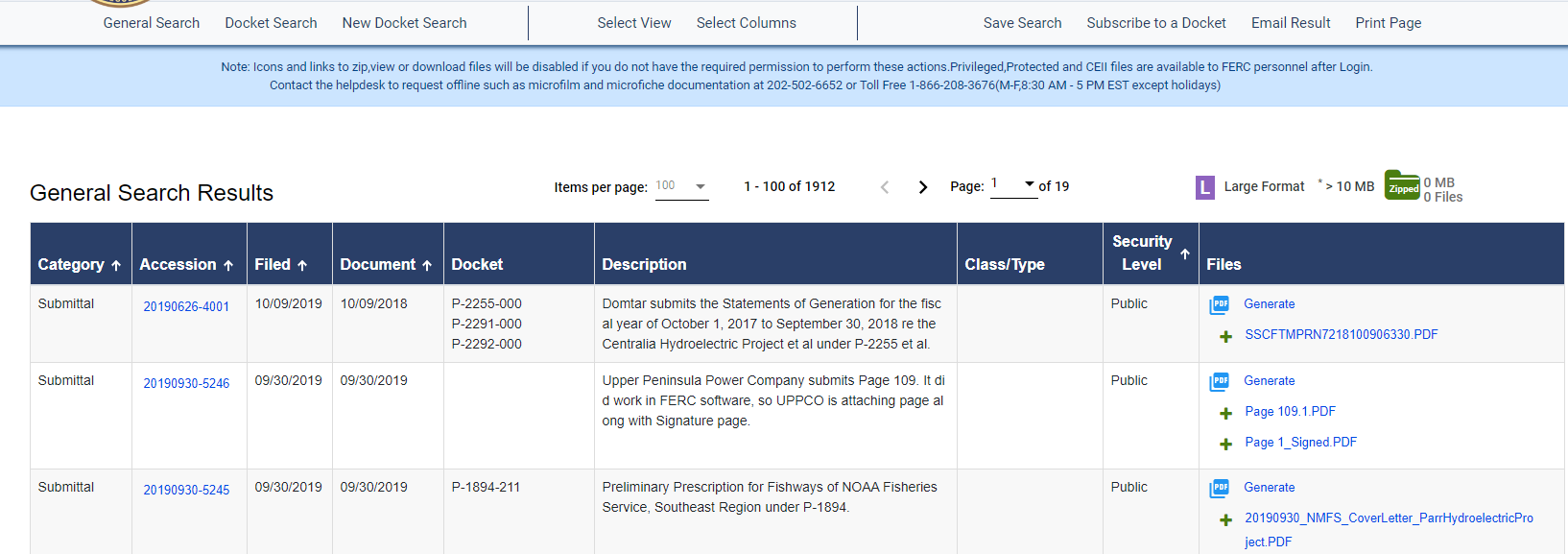
2. Your search screen displays as shown below.
The top of the screen displays options for the following: