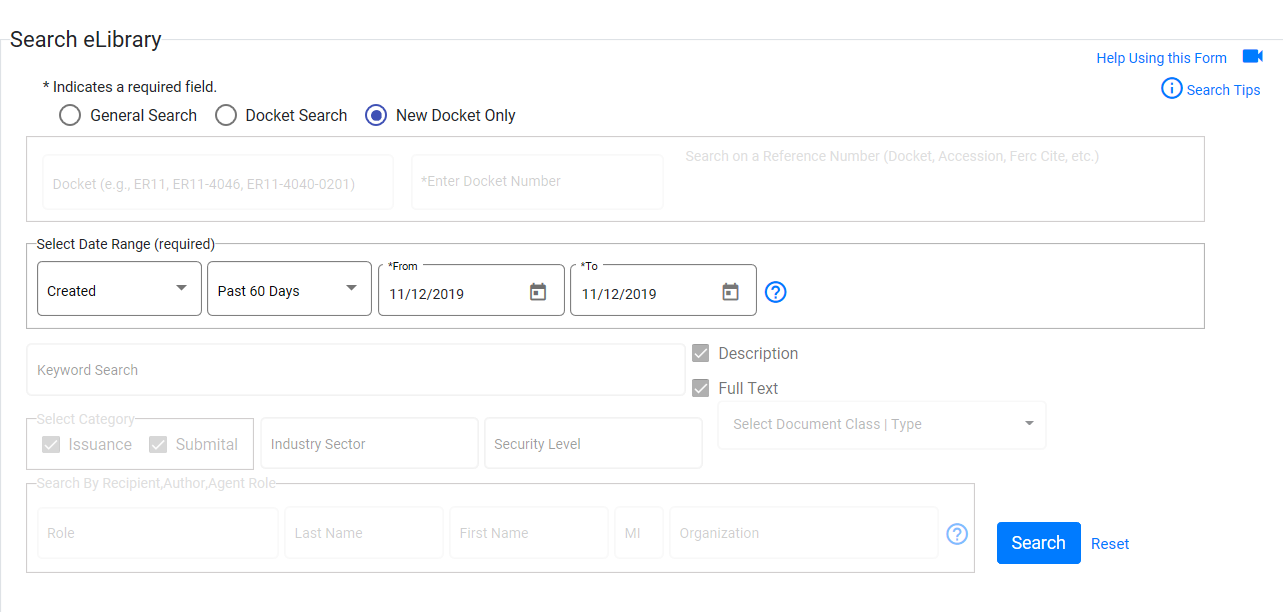
This search will display dockets generated within a 10 day timeframe. Users may select a create or filing date range.
1. select a date type from the Select Date Type field.
Filed Date - The date the docket number was first generated and is set by FOLA.
Create Date - The date/timestamp when the docket was first generated.
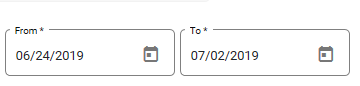
2. Select a start date no earlier than 10 days prior to the current date. If you select a date outside of that range, you will receive an error message.
3. Click the search button to initiate the search.